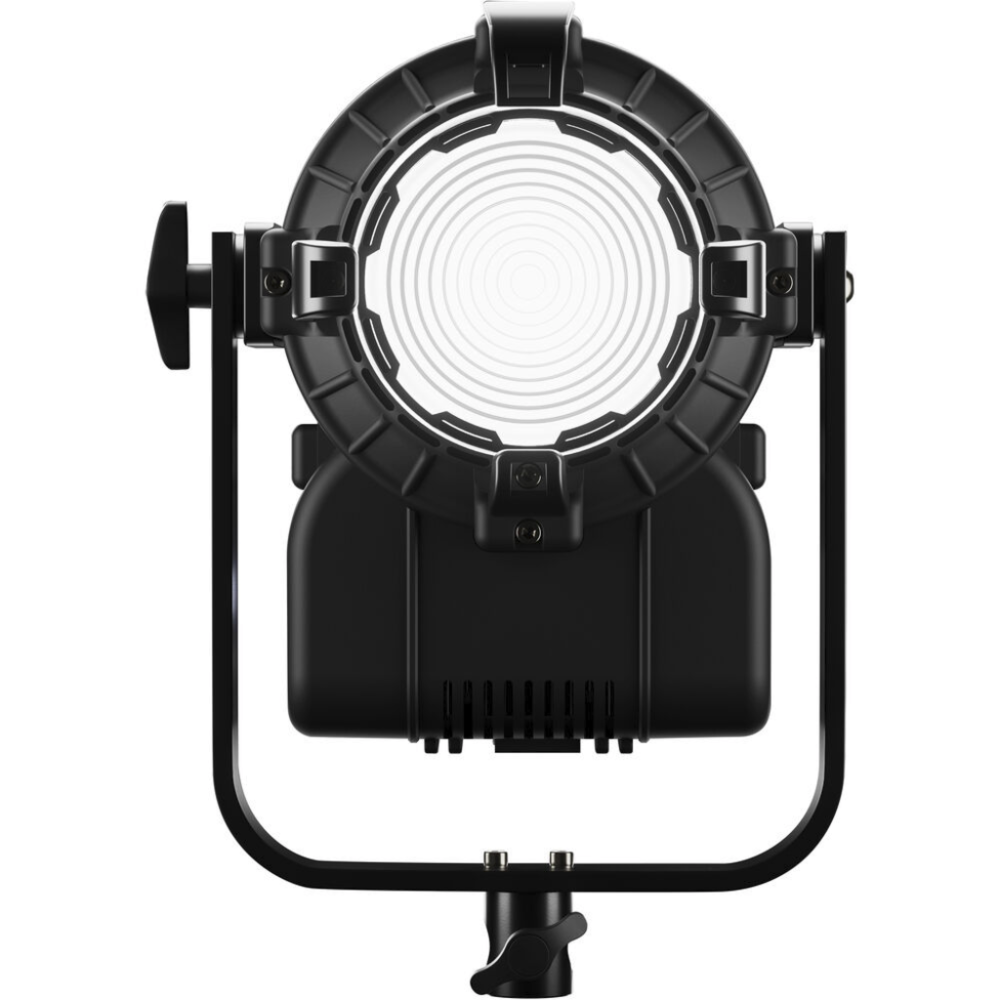
DayledPRO Dual Color 650
Full Description
The DayledPRO Dual Color 650 is a high-quality 60 W LED Fresnel designed for video, film, and TV production. It offers selectable color temperature from 2800 K to 6500 K, impressive CRI 97 color rendering, local and remote control via panel or DMX/RDM, and USB firmware updates. PowerCON IN/OUT connectors allow daisy-chaining multiple units from a single outlet. Its reinforced technopolymer body ensures durability and lightweight handling, while silent, flicker-free operation suits high-speed shooting. Perfect for professionals needing flexibility and performance.
Key Features
- Variable color temperature from 2800 K to 6500 K
- High color rendering (CRI 97, TLCI 99)
- Local and remote control (panel, DMX/RDM)
- USB port for firmware updates
- PowerCON IN/OUT for efficient daisy-chain power
- Robust technopolymer construction
- Silent, flicker-free operation even in high-speed scenarios
- Optional battery operation (14.8–28 V)
- Included 4-way barndoors for beam shaping
Technical Specifications
- Power: 60 W (COB LED)
- Color Temperature: 2800 K – 6500 K
- CRI: 97; TLCI: 99
- AC Power: 90–240 V
- Connectors: PowerCON IN/OUT, USB, DMX/RDM
- Dimensions: 270 × 280 × 280 mm
- Weight: ~5 kg
- Material: reinforced technopolymer
- Dimming Modes: linear, exponential, logarithmic
- Control Modes: Manual, DMX 8/16 bit, RDM
- High-frequency electronics for flicker-free output
- IP20 protection / Max ambient temp 35–40 °C
Packaging Includes
- DayledPRO Dual Color 650 Fresnel
- 4-way barndoors
- Built-in manual control panel
- AC power cable (multi-voltage)
- User manual
- 1-year limited manufacturer warranty
FAQ
What color temperature range does it support?
It ranges from 2800 K to 6500 K, adapting to ambient lighting or creative effects.
Can I power multiple units with one outlet?
Yes—with PowerCON IN/OUT connectors, you can daisy-chain multiple Fresnels on the same circuit.
Is the unit flicker-free and suitable for high-speed shooting?
Yes, its high-frequency electronics eliminate flicker, ideal for slow-motion or high-speed video capture.
How do I update the firmware?
Use the USB port to upload firmware updates directly, whether in studio or on location.


 Italiano
 Inglese